Project showcases & locators
Interactive maps and project explorers with branded pins, project cards, photos, details, and clear next actions — built around the way customers actually want to explore your work.
Custom branded locators
Locator Shop creates custom interactive map and project experiences built around your brand, your customers, and your data.
The offer
Most location pages are plain lists, generic embeds, or clunky search tools. Locator Shop helps businesses with multiple locations create a better visual experience for customers who need to find stores, offices, dealers, venues, service areas, or destination locations.
Your locator does not have to be static. We can connect it to a database, CMS, API, spreadsheet, or custom admin tool so locations stay easy to update.
Why it matters
Location decisions are spatial decisions. A plain list can show addresses, but a map/list locator helps people understand proximity, compare options, and take the next step more easily — especially on mobile, where people often need answers quickly.

What we build
Interactive maps and project explorers with branded pins, project cards, photos, details, and clear next actions — built around the way customers actually want to explore your work.
Let visitors explore by city, region, project type, service, category, features, or other filters that make sense for your business.
Work with existing databases, APIs, CMS content, CSV/JSON files, managed project data, or a custom workflow built around your existing site and systems.
Examples
Filters built around your business make relevant locations, details, and next steps easier to find. Interaction tracking and straightforward reporting reveal what visitors explore and where they take action.
These interactive examples use fictional brands and data to show what’s possible for your business.
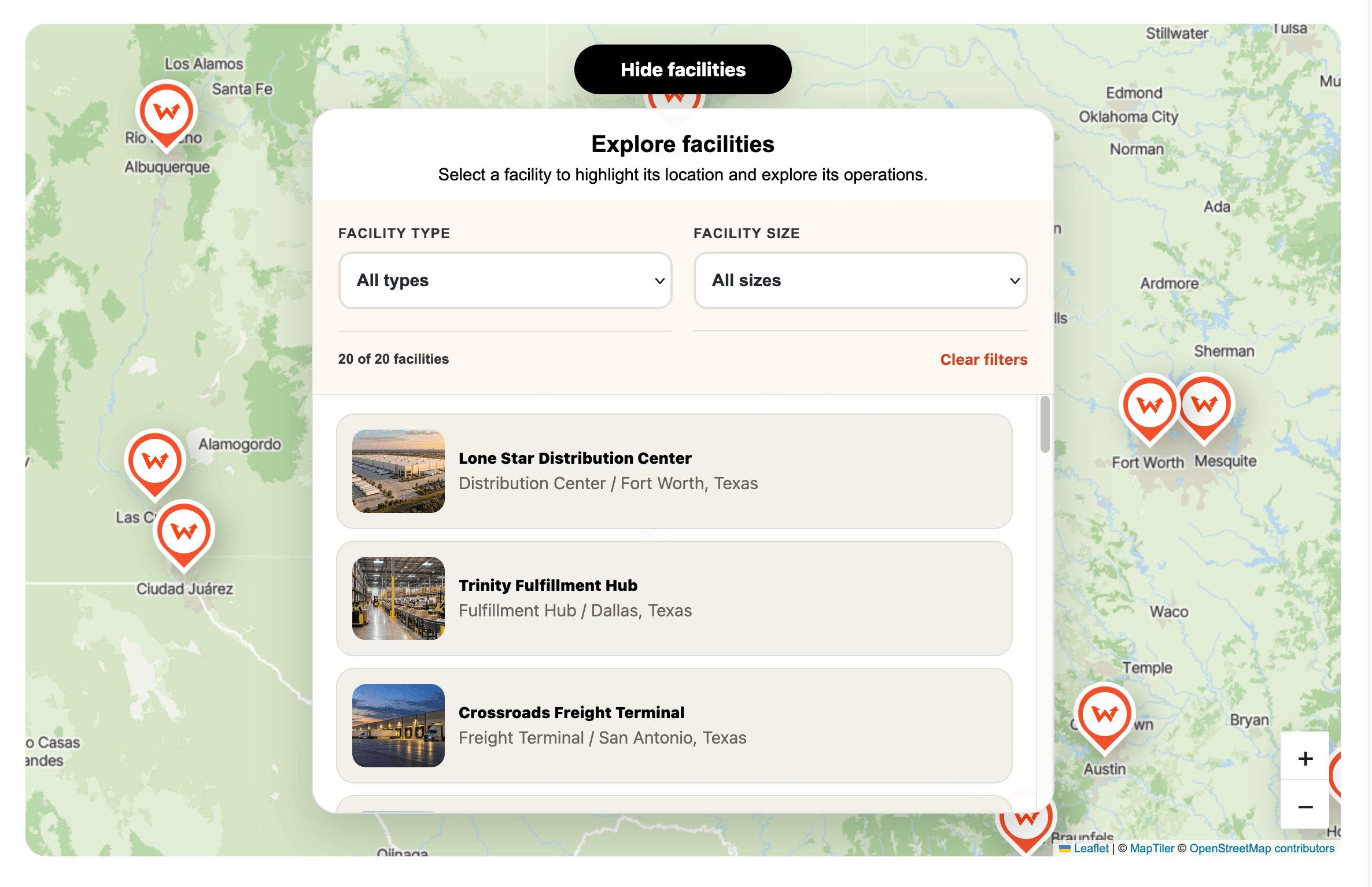
Organize your network with filters for facility type and size. Help visitors find relevant locations and explore photos, specifications, and operational details.
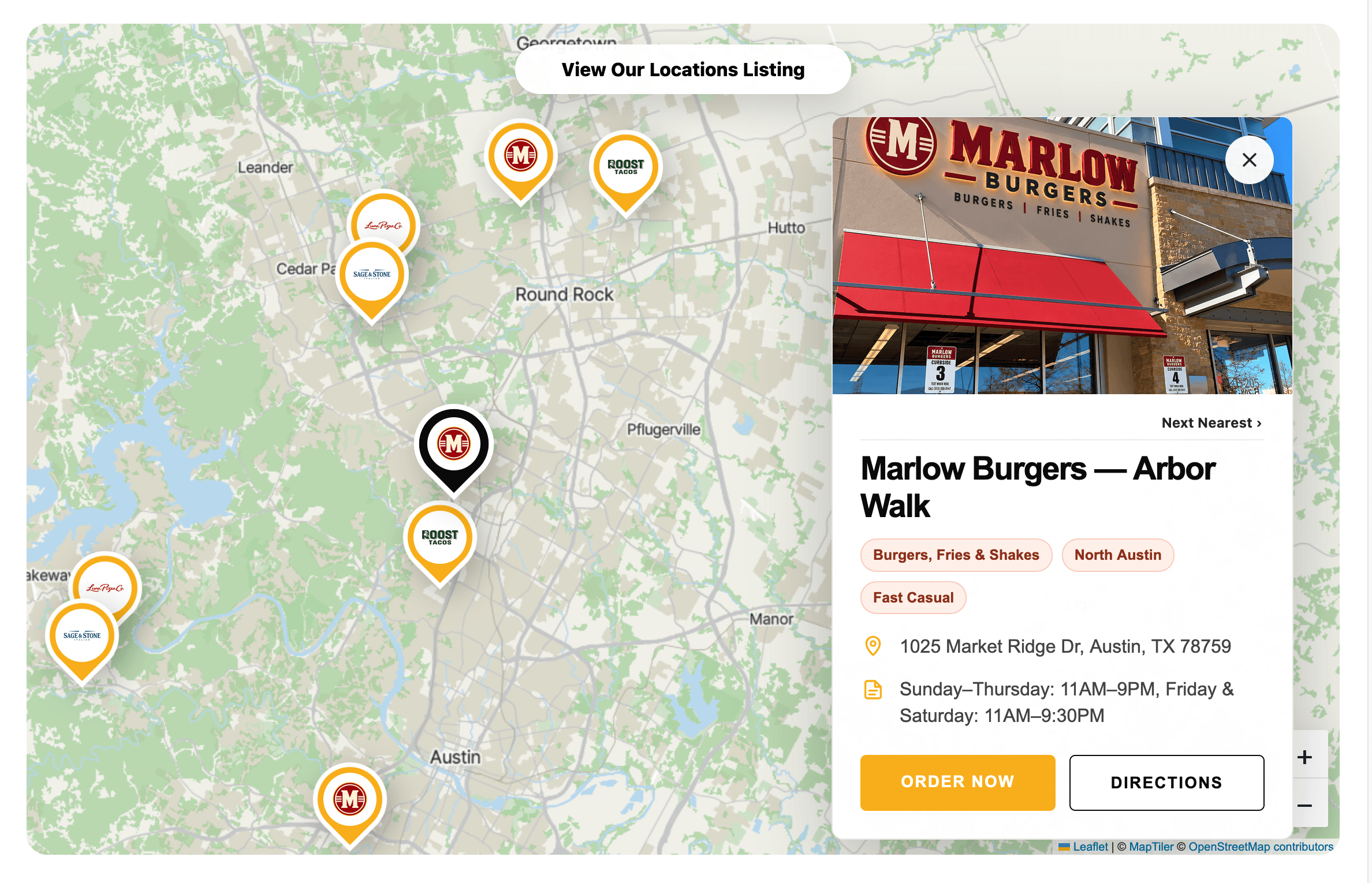
Bring multiple brands together with locations organized by restaurant brand. Help guests compare options, check hours, get directions, and take the next step toward ordering or visiting.
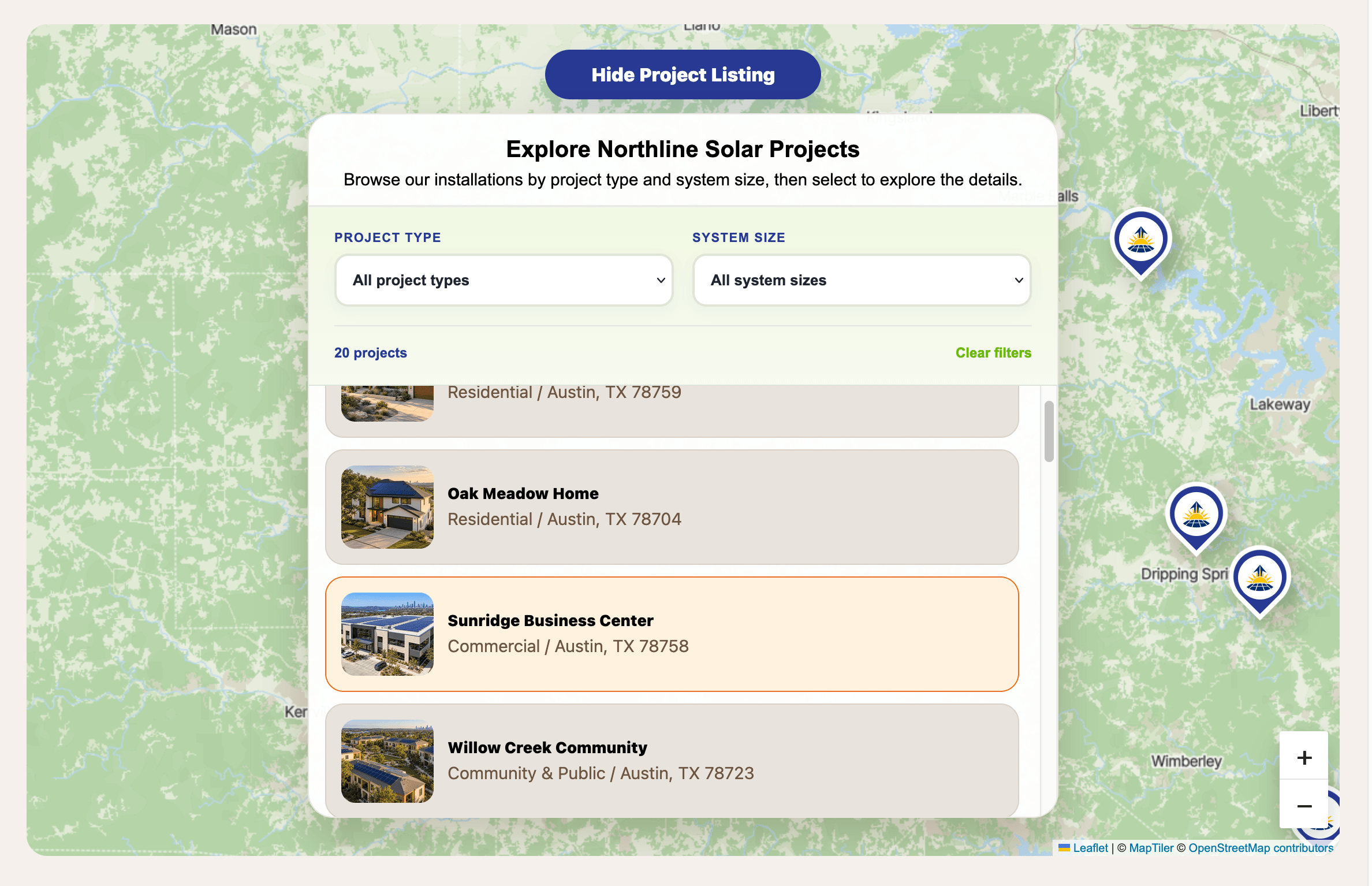
Help prospective customers find work relevant to their needs with filters for project type and system size. Present photos, specifications, and individual project pages that demonstrate your experience.
How it works
We keep the process clear: review what exists, design the better map experience, connect the data, and launch it cleanly.
We look at the existing page, customer flow, location data, brand style, and what needs to be easier to find.
We define pins, filters, search behavior, popup content, mobile layout, and how the map should fit into the site.
The map can use an existing database, API, CMS, CSV/JSON file, or managed location data depending on the client’s setup.
We build the map, test it across desktop and mobile, support deployment, and help keep the experience clean after launch.
Beyond maps
Interactive front-end experiences, custom components, tools, and focused web features built around the actual needs of the business.
Connect websites with APIs, CMS platforms, databases, third-party services, and custom business workflows.
Video editing, branded content, and supporting digital media for websites, social channels, and customer-facing campaigns.
Focused AI tools, assistants, search experiences, and custom applications designed around a specific business problem or workflow.
Thank you
We’ll be in touch soon.